Our exclusive services help you stay connected, safe and healthy.
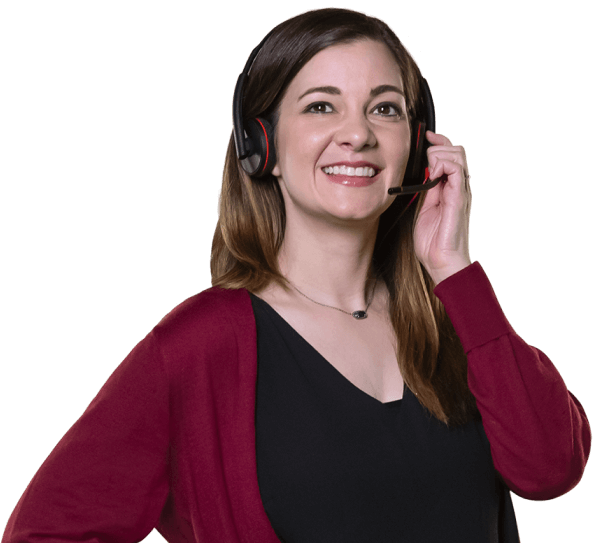
From everyday questions to emergencies, you can count on us.
Get the exact help you need when you need it. From specially trained Care Advisors with years of experience to Certified Urgent Response Agents with extensive training, our services are provided by caring professionals who genuinely want to help you live life on your terms.
Meet the Lively Team
Stay Connected

Have a question?
Ask Lively
Whether you want to learn more about your new phone, need help looking up a number or scheduling a ride, you can call our caring team anytime, as often as you like.

Need a ride?
Lively Rides
Anytime you need a ride to get to an appointment, the store or visit friends, our team can schedule one for you, no app needed. Just dial "0" on your Jitterbug phone and we’ll let you know the estimated arrival time and cost through Lively Rides.
Stay Safe

Have an emergency?
Urgent Response
At the touch of a button, Urgent Response Service connects you to Certified Agents who can help, 24/7.

Need to notify family?
Lively Link
Friends or family can get alerts when you contact Urgent Response through the Lively Link® app. They can be reassured knowing they’ll be notified of any emergency.

What if you fall?
Fall Detection
Automatically get connected to an Urgent Response Agent if you fall, even if you’re unable to press the button. Available only on Lively Mobile Plus.
Stay Healthy

Don’t feel well?
Nurse On-Call
Nurses or doctors can provide medical advice anytime, even nights and weekends. Simply contact Nurse On-Call to ask a medical question or to get prescriptions and refills for common medications. No insurance or co-pay needed.

Looking for personal guidance?
Care Advocate
Talk to Care Advocates to develop a personalized plan to improve your overall health and well-being. Depending on your goals, they’ll connect you with community programs, financial resources and more.
Choose the Lively Plan that’s right for you.
All plans include exclusive services with access to our caring team ready to help, 24/7. See our available plan options.
Learn MoreCustomer Testimonials

She feels confident.
"Pleased with the services provided to my 90-year-old mother. She feels confident knowing help is the press of a button away."
Joan M. The response was immediate.
"I have had to use Lively for a personal emergency. The response I receive to my distress was immediate. The person stayed with me until the ambulance arrived."
Sam F.
Here’s more from Lively.
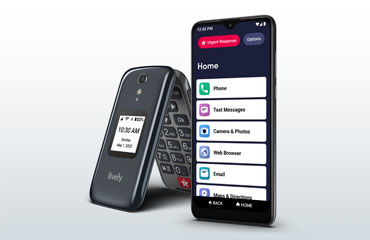
Compare phones
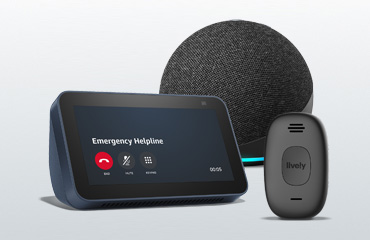
Compare medical alert devices

Health & Aging



swipe for more
scroll or use your arrow keys for more
scroll for more
use your arrow keys for more